
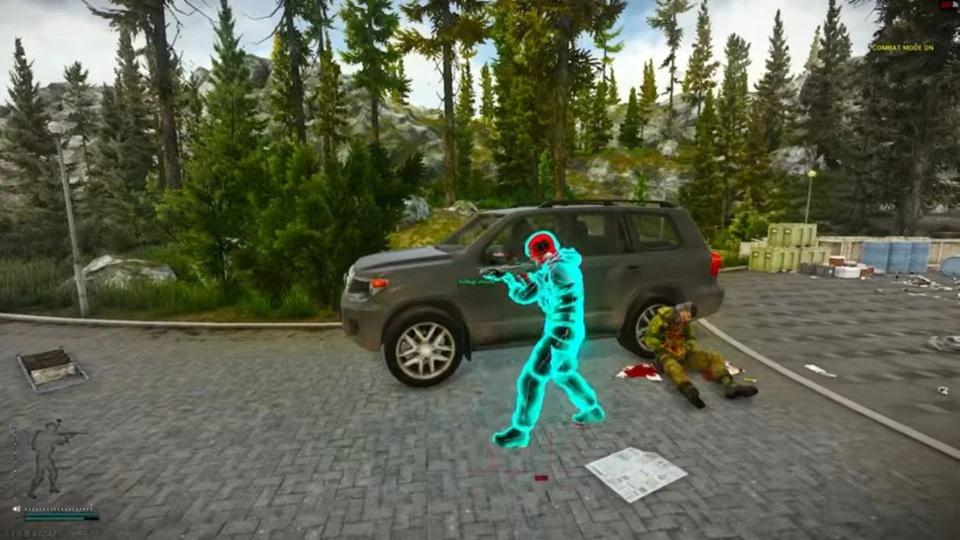
Stream-proof overlay for Escape from Tarkov
Hide ESP and the cheat menu from OBS while you still see overlays on your monitor.
Stream proof mode keeps overlays and the cheat menu off common capture software. Enable it before you go live, then confirm OBS or your encoder still shows a clean feed on your stream proof preview.
Menu and panic keys
Bind a custom menu key and a panic key so you can hide overlays instantly if a capture preview still shows them after a patch.
Stream proof works best when you test both display capture and game capture in OBS. Re-check after GPU driver updates because capture paths can change between Tarkov patches.
Keep stream proof enabled for the full session, not just the first raid. If a viewer reports artifacts, toggle panic once, restart OBS, and verify the monitor-only overlay path still looks clean.